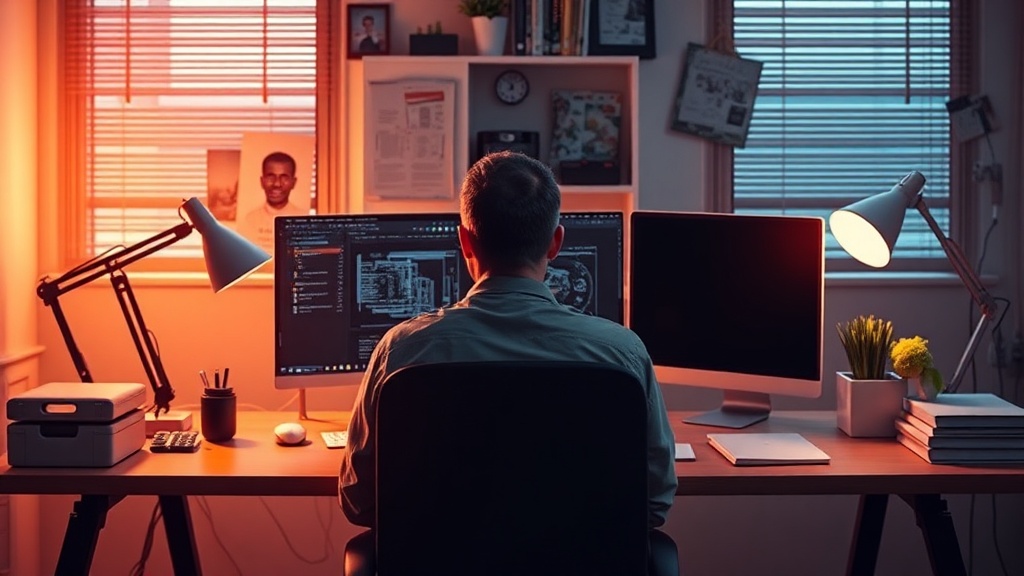
Organizing Your Workspace for Focus and Flow

Research from the University of Minnesota suggests that physical clutter competes for your attention, making it harder to focus on cognitive tasks. A disorganized workspace isn't just an eyesore; it's a cognitive tax. This guide breaks down how to restructure your desk, manage your digital-physical divide, and select the right furniture to keep your brain from drifting. We'll look at the physics of a desk setup and how to maintain it without spending hours every weekend cleaning.
How much space do I actually need for a productive desk?
A productive desk requires a minimum of 40 to 48 inches of width to accommodate a standard computer, a notebook, and enough "elbow room" for movement. Most people underestimate the footprint of their peripheral devices. If you're working with a small footprint, you need to think vertically.
A shallow desk might feel sleek, but it often leads to cramped wrists. If you use a laptop, you'll likely need a stand to bring the screen to eye level. This prevents the "tech neck" slouch that ruins your posture. I've found that a simple wooden monitor stand from a brand like IKEA can add much-needed height without making the desk feel crowded.
Consider these three zones for your workspace:
- The Primary Zone: This is the area directly in front of you. It should only hold your keyboard, mouse, and perhaps a single notepad.
- The Secondary Zone: This is the space within arm's reach. This is for your coffee, a pen, or your phone.
- The Reference Zone: This is the periphery. Books, lamps, or even a small plant live here.
Don't overstuff the Primary Zone. If you have to move a stack of papers to type, your workflow is broken. It's a simple mistake, but it happens constantly.
What are the best desk materials for a minimal aesthetic?
The best materials for a minimal aesthetic are natural wood, powder-coated steel, or high-quality matte laminates. You want surfaces that don't scream for attention. A high-gloss white desk might look clean in a showroom, but it reflects light in a way that can cause eye strain during long sessions.
Natural textures play a huge role in how "heavy" a room feels. A heavy oak desk feels grounded and permanent, while a glass desk feels light but can feel cold or clinical. If you want to lean into a warmer look, look at the principles used in creating a calming sanctuary with natural textures. Using wood-grain surfaces can make a home office feel less like a cubicle and more like a living space.
| Material | Pros | Cons |
|---|---|---|
| Solid Wood | Warm, durable, high aesthetic value | Expensive, heavy, requires maintenance |
| Steel/Metal | Industrial, easy to clean, modern | Can feel cold/sterile, reflective |
| Laminate | Budget-friendly, many colors | Can look "cheap" if not high quality |
| Glass | Minimalist, expands visual space | Shows every fingerprint, quite cold |
The goal isn't just to buy something pretty. It's to buy something that won't distract you. A cluttered surface is often a result of poor material choice—think of a cheap plastic desk that can't support a heavy monitor arm. You'll end up fighting your furniture instead of working.
How do I manage cables without a mess?
Cable management is the difference between a professional workspace and a college dorm room. You can have the most expensive Herman Miller chair in the world, but if there's a nest of black wires trailing behind your desk, the "flow" is gone. It's a visual distraction that pulls your eyes away from your screen.
Start with a cable management tray. These are metal trays that screw into the underside of your desk. They catch your power strips and all those bulky-looking bricks. I personally use the BlueLounge Cable Management systems because they are sturdy and out of sight. If you can't see the wires, your brain stops registering them as "unfinished business."
Here is my preferred method for organizing wires:
- Group by function: Keep power cables together and data cables (USB, HDMI) together.
- Label everything: Use a small piece of masking tape or a label maker on both ends of a cord. You'll thank me the next time you need to unplug your printer.
- Use Velcro ties: Avoid plastic zip ties. If you use zip ties, you're stuck with them until you cut them. Velcro is reusable and much more forgiving.
- Hide the power strip: Get the power strip off the floor. If it's on the floor, it's a tripping hazard and a dust magnet.
It's a tedious process (I'll admit, it can be a bit of a chore), but once it's done, the mental clarity is immediate. A clean desk leads to a clean mind. It's a cliché for a reason.
If you're working in a tight corner, you might also want to look at curating a functional coffee station to keep your beverage area separate from your deep-work area. Mixing your "snack/drink" zone with your "focus" zone is a recipe for distraction.
Lighting is the final piece of the puzzle. A desk lamp with an adjustable color temperature is vital. You want cooler, bluer light for high-focus tasks in the morning, and warmer, amber light for late-after-noon sessions. This helps signal to your brain when it's time to wind down. If your light is too harsh, you'll feel agitated. If it's too dim, you'll feel sluggish. Find that middle ground.
Don't forget the floor. A small rug under your desk can dampen the sound of your chair wheels and make the space feel more intentional. It's these small, tactile details that turn a "work station" into a "workspace."